LifeGoals · Nutrition tracking
Log your meals. See your day.
Nutrition tracking starts with what you ate and how much. LifeGoals connects meal entries with a daily view of calories, protein, carbohydrates and fat. Choose a photo, barcode or manual entry to record a meal.
Plans and availability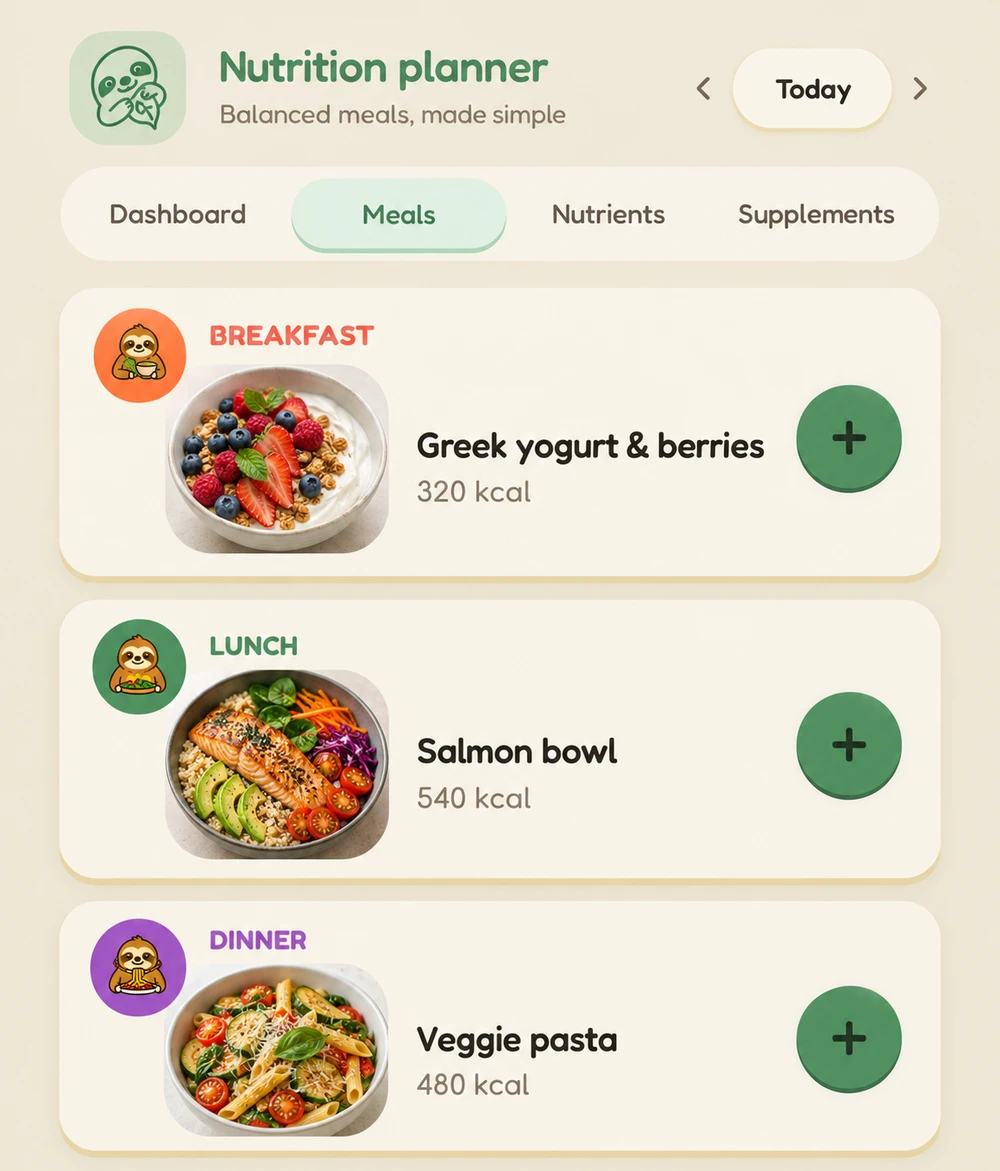
Three ways to log a meal
Use a photo as a starting point
Take a photo of your food to get a suggested entry. Check the recognised foods and portion sizes: an image cannot reliably identify every ingredient or amount.
Look up packaged foods by barcode
Scan a product barcode to search for a matching food entry. Check that its nutrition values match your product and the portion you ate; a match is not available for every barcode.
Enter foods and amounts yourself
Search for a food or record an entry manually. The portion size relates calories and macros to your meal, which then appears in your daily overview.
Review calories and macros together
Calories show the energy from the meals you have recorded. Protein, carbohydrates and fat give you an additional view of their composition. These values sit alongside your nutrition profile, and you can discuss questions with the coach.
Are nutrition values from a photo exact?
No. Photo recognition and assumed portions can involve estimates. Check foods, amounts and nutrition values before accepting an entry. For packaged products, the nutrition label helps you review the values.
More from the LifeGoals app
LifeGoals on your smartphone
LifeGoals hasn’t launched yet. You’ll find the download here when the app is released.
Coming soon